Last updated:
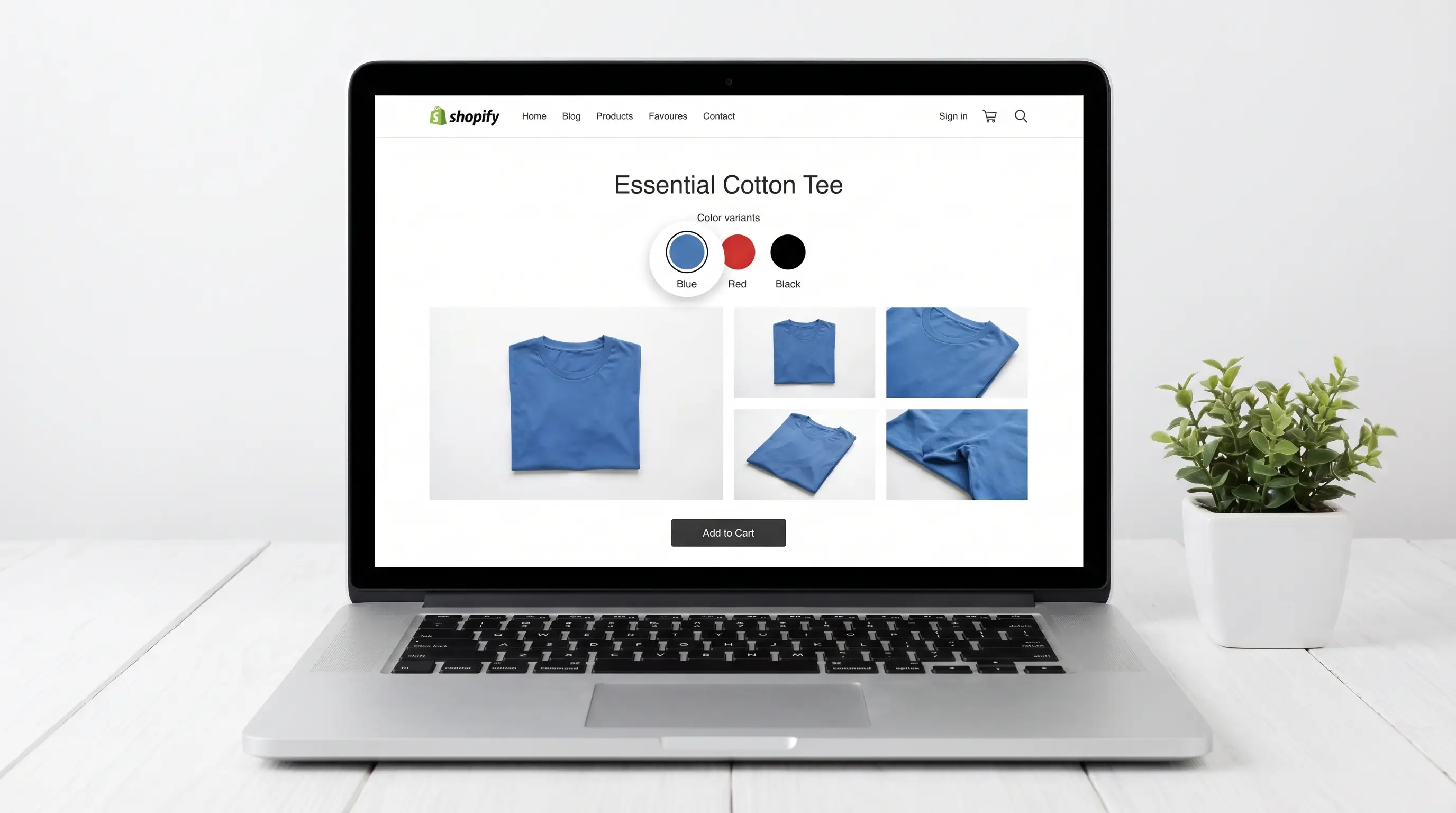
Shopify only supports one image per variant natively. If your Shopify variant Image not changing when a customer selects an option, you're hitting one of the platform's most common product page problems and it's fixable.
Why Shopify Variant Images Don't Switch
Shopify variant images stop switching for three reasons: no image is assigned to the variant, your theme doesn't support automatic switching, or you're hitting Shopify's one-image-per-variant limit. The first two are fixable in your admin in minutes. The third requires an app.
Three Quick Checks
1. Image isn't assigned. Go to Products, open the product, scroll to Variants, and click the image icon next to each variant. If nothing is set, Shopify has nothing to switch to. Assign an image and save.
2. Theme doesn't support it. Not all themes handle variant switching the same way. Test on Dawn; Shopify's default theme. If it works on Dawn but not your theme, the theme is the issue.
3. Browser cache. Just made changes and nothing looks different? Clear your cache and reload before troubleshooting anything else.
When the Native Fix Isn't Enough
The fix above works if you need one image per variant to switch correctly.
But if you need multiple images per variant; front, back, lifestyle, detail; Shopify can't do that natively. 67% of online shoppers rank image quality as the most important factor in their purchase decision. One image rarely tells the full story.
Nova Multiple Variant Images solves this. Assign unlimited images, videos, and 3D models per variant, the gallery filters automatically when a customer makes a selection. Works on all Shopify plans, no coding, no Shopify Plus needed. Setup takes under 2 minutes.
For more on how variant images work across themes, see the complete Shopify variant images guide.
Install Nova Multiple Variant Images
FAQ
Why isn't my Shopify variant image changing?
Most likely no image is assigned to that variant. Go to the product in your Shopify admin, scroll to Variants, and click the image icon next to each variant to assign one. If images are assigned but still not switching, test on Dawn (shopify's default theme) to rule out a theme compatibility issue.
Can Shopify show multiple images per variant natively?
No. Shopify supports one image per variant only; no gallery filtering, no videos, no 3D models per variant. To show multiple images per variant you need an app like Nova Multiple Variant Images.
Why are all my variant images showing at once?
That's Shopify's default behaviour. The full product gallery stays visible regardless of which variant is selected. Nova mvi filters it automatically so customers only see images for their chosen variant.