Last updated:
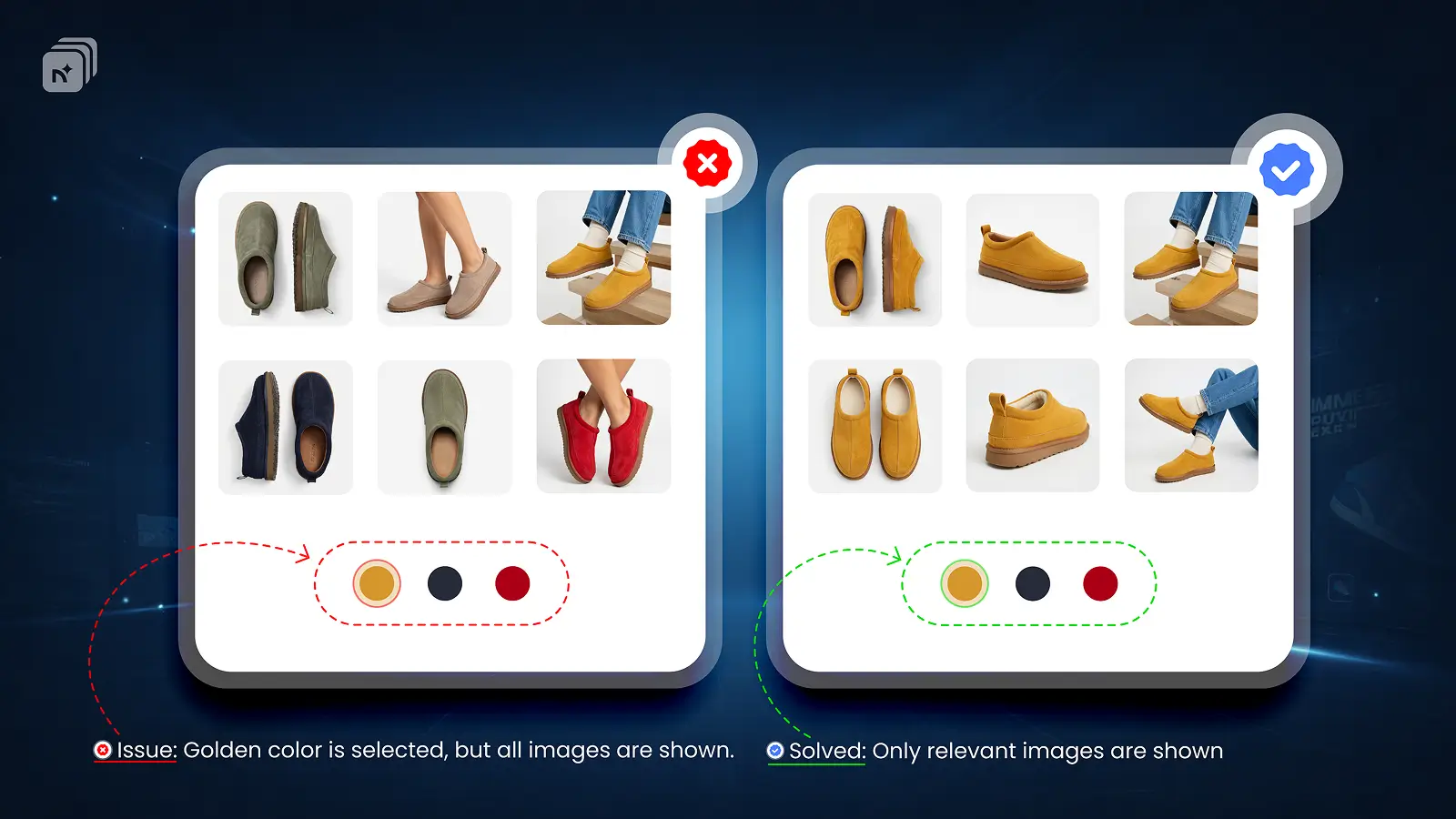
Shopify lets you add videos to your product gallery, but natively you cannot assign a specific video to a specific variant. When a customer selects a variant, your videos do not update along with the images.
For stores selling products where motion matters, such as apparel, footwear, furniture, and jewelry, this is a real problem. A video showing your black jacket should not play when a customer has selected the white one.
Why Shopify Does Not Support Videos Per Variant
Shopify treats videos as product-level assets, not variant-level assets. There is no built-in way to say "show this video only when this variant is selected." Every video you upload appears in the gallery regardless of which variant a customer chooses.
How to Assign Videos Per Variant in Shopify
You need a variant media app that extends Shopify's native media system to support per-variant video assignment.
Nova multiple variant images supports videos per variant alongside images and 3D models. Here is how to set it up:
Install Nova MVi from the Shopify App Store
Open a product inside Nova MVi
Select a variant and assign your video to it the same way you assign images
Repeat for each variant
Save
When a customer selects that variant, the video appears in the gallery automatically. No coding required. Works with all Shopify themes.
Which Stores Benefit Most
Apparel brands can assign video lookbooks per colorway. Footwear stores can show on-feet videos per color. Jewelry stores can use close-up motion shots per metal finish. Furniture brands can assign room context videos per material or finish.
key Takeaways
Shopify does not support videos per variant natively
Videos are product-level assets by default and do not filter by variant selection
Nova MVi lets you assign videos, images, and 3D models to specific variants
No coding required
Works with all Shopify themes
Install Nova Multiple variant images on the Shopify App Store