Last updated:
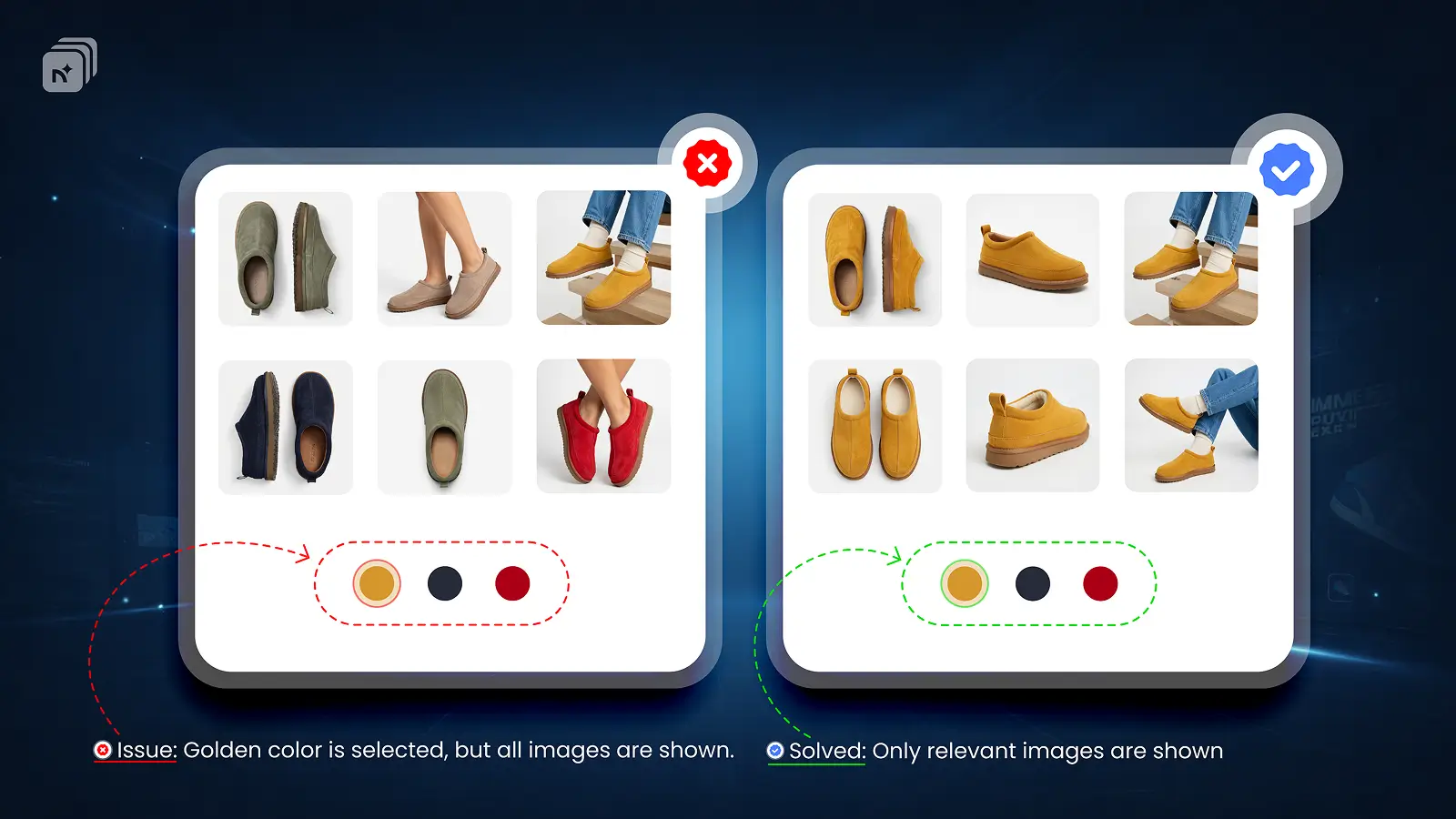
Dawn is Shopify's flagship free theme and one of the most widely used. It handles variant images better than most themes but it still has a key limitation.
What Dawn supports natively
Dawn supports variant image switching out of the box. When a customer selects a variant, Dawn highlights the assigned image and scrolls the gallery to it. This works well for simple stores.
What Dawn does not support
Dawn only supports one image per variant natively. If you want to show multiple images; front shot, back shot, lifestyle, detail for each variant, Dawn cannot do this on its own.
Also, the full product gallery stays visible. Unrelated variant images are not hidden when a customer makes a selection.
How to fix it on Dawn
Nova Multiple Variant Images works seamlessly with Dawn. No theme code changes required.
Once you assign multiple images to each variant inside Nova mvi, Dawn's gallery automatically filters to show only the selected variant's images. The rest stay hidden until a different variant is selected.
Nova multiple variant images has been tested and optimized specifically for Dawn and works with all Dawn versions including Dawn 15+.
TL;DR
Dawn supports variant image switching natively but only one image per variant
The full gallery stays visible by default even with variant images assigned
Nova adds multiple images per variant support to Dawn no theme code changes
Works with all Dawn versions, free plan available