Last updated:
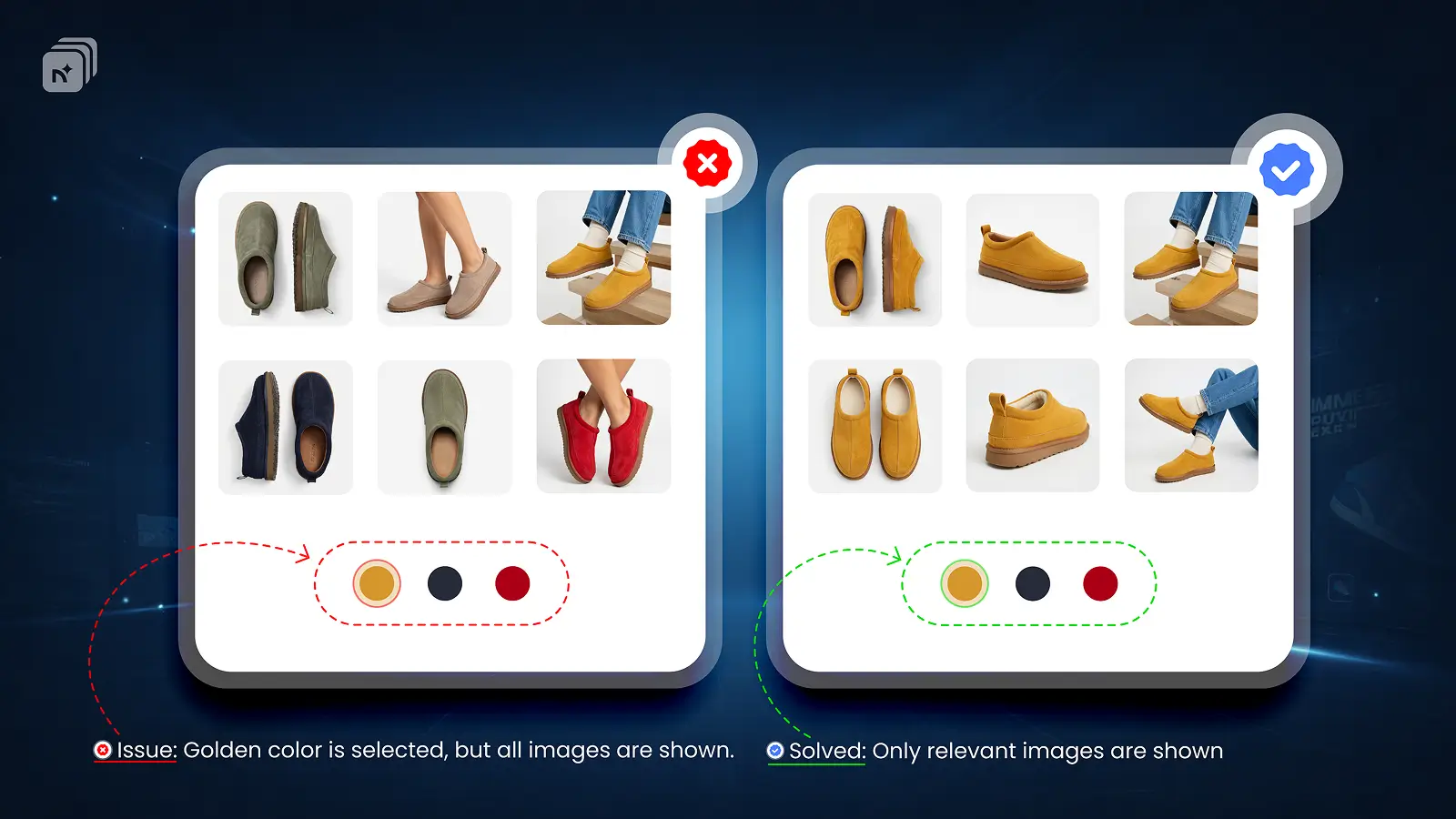
Broadcast is a premium Shopify theme known for its bold visuals, video-first layouts, and strong conversion design. It is a popular choice for apparel, streetwear, and lifestyle brands. Like most Shopify themes, it has a native limitation when it comes to variant images.
What Broadcast Supports Natively
Broadcast supports basic variant image switching. When a customer selects a variant, the gallery highlights the assigned image and scrolls to it. This works for stores that only need one image per variant.
What Broadcast Does Not Support Natively
Broadcast only supports one image per variant out of the box. Showing multiple images per variant, such as a front shot, back shot, and lifestyle photo for each color, requires an app.
The full product gallery also stays visible by default regardless of which variant is selected.
How to Fix This on Broadcast
Nova multiple variant images is fully compatible with the Broadcast theme. No theme code changes are required.
Once you assign multiple images to each variant inside Nova MVi, Broadcast's gallery automatically filters to show only the selected variant's media. Switching variants updates the gallery instantly. Nova multiple variant images supports images, videos, and 3D models per variant, all working correctly within Broadcast's layout.
Nova MVi has been tested on current versions of the Broadcast theme and works without conflicts.
Why This Matters for Broadcast theme Users
Broadcast is built for visually driven brands where product presentation is everything. Showing customers a clean, focused gallery for the exact variant they selected is not a nice-to-have. It is a core part of the shopping experience.
key Takeaways
Broadcast supports one image per variant natively
The full gallery stays visible by default on Broadcast
Nova MVi adds multiple images per variant to Broadcast without any code changes
Supports images, videos, and 3D models per variant
Works with current versions of the Broadcast theme
Install Nova Multiple variant images on the Shopify App Store